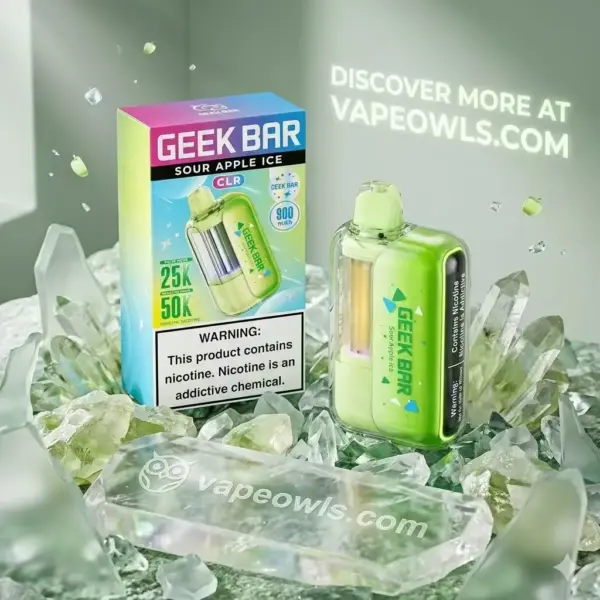
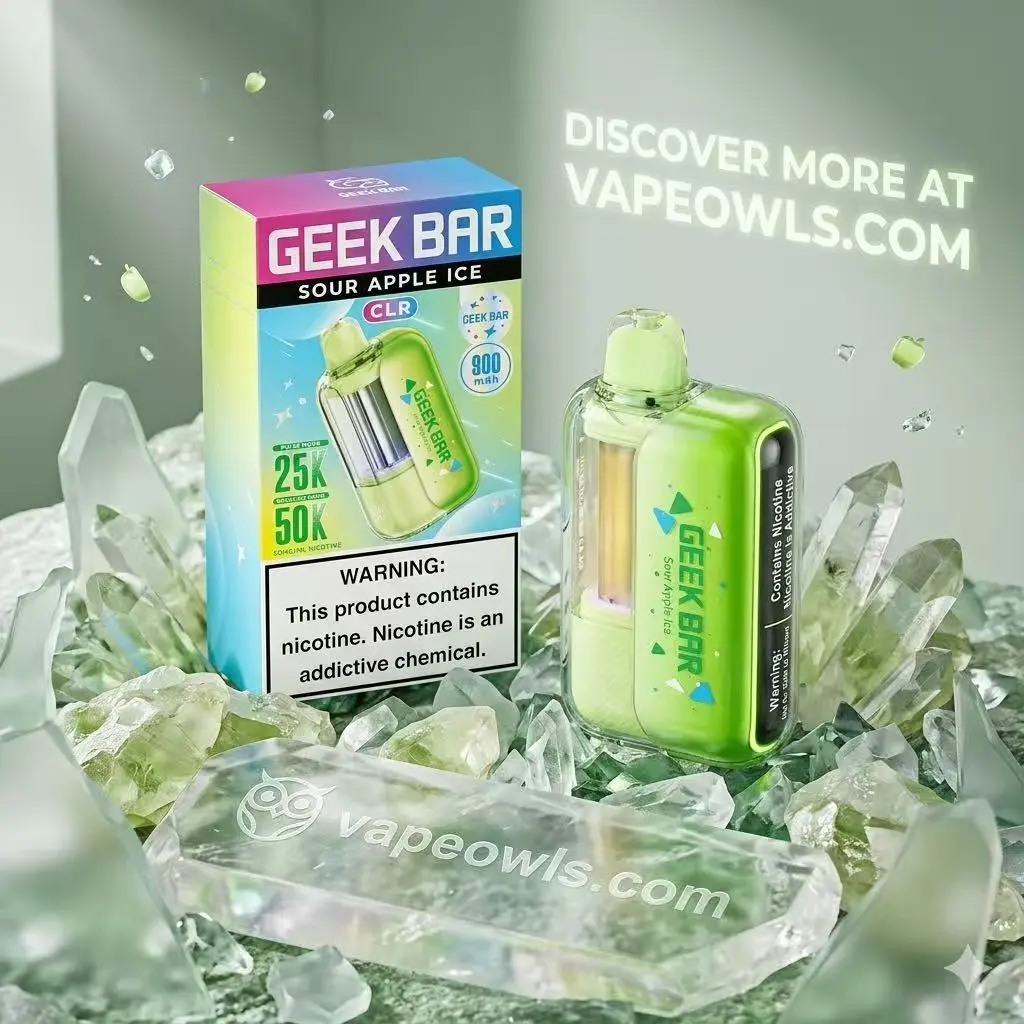
Key facts, checked November 12, 2026. Geek Bar CLR 50K: 17 mL clear tank, 900 mAh battery, up to 50,000 puffs in Regular mode and 25,000 in Pulse mode. Most problems are a flat battery or closed airflow. $17.99 at VapeOwls.
If your Geek Bar CLR is not hitting, check the battery first and the tank second. The CLR has a clear body, so you can see straight away whether any e-liquid is left. If the tank still has liquid, a flat battery or closed airflow is almost always the cause. Work through the 6 fixes below.
Why a Geek Bar CLR stops hitting
The CLR is rated for up to 50,000 puffs from 17 mL of e-liquid. Its 900 mAh battery cannot cover that on one charge, so it needs recharging many times over its life.
The device is draw-activated. With no power it gives no sign of life, which can look like a fault.
Geek Bar CLR not hitting: 6 fixes
| Symptom | Likely cause | Fix |
|---|---|---|
| No vapor, liquid in the tank | Battery is flat | Charge over USB-C |
| Weak vapor that fades | Battery is low | Charge fully before the next use |
| Very tight draw | Airflow is closed | Open the airflow switch |
| Not charging | Cable, port or lint | Change the cable and port, clear the charging port |
| Burnt taste | Tank is empty or Pulse mode is too hot | Check the clear tank, switch to Regular mode |
| New device does nothing | Possible defect | Contact the store you bought it from |
1. Charge it
Plug in a USB-C cable and give it a full charge. This fixes most CLRs that stop hitting with liquid still visible.
2. Look at the tank
The clear body is the easiest diagnostic on any disposable. No liquid means the device is finished. It is prefilled and cannot be refilled.
3. Open the airflow
The CLR has an adjustable airflow switch. Fully closed, it can feel blocked. Open it and take a slow, steady puff.
4. Fix a CLR that is not charging
Try a second USB-C cable first, then a different USB port. Check the charging port for lint and clear it gently with a wooden toothpick.
5. Switch out of Pulse mode
Pulse mode runs hotter and halves the rating from 50,000 to 25,000 puffs. A harsh or burnt taste often clears in Regular mode with shorter puffs.
6. Clear the mouthpiece
Condensation and pocket lint can block the mouthpiece. Wipe it with a tissue and tap the device mouthpiece-down on your palm.
What does CLR mean on a Geek Bar
CLR is short for clear. Geek Bar describes the device as clear from every angle, and the see-through body is its main feature.
When to stop using it
- The device gets hot while charging or sitting idle.
- The shell is cracked, swollen or leaking.
- It has been in water.
Stop using a device in any of those cases. For VapeOwls orders, email [email protected] within 7 days of delivery with a short video and a photo of the packaging SKU.
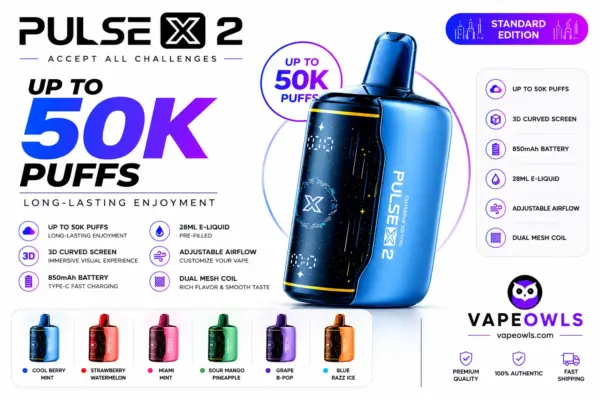
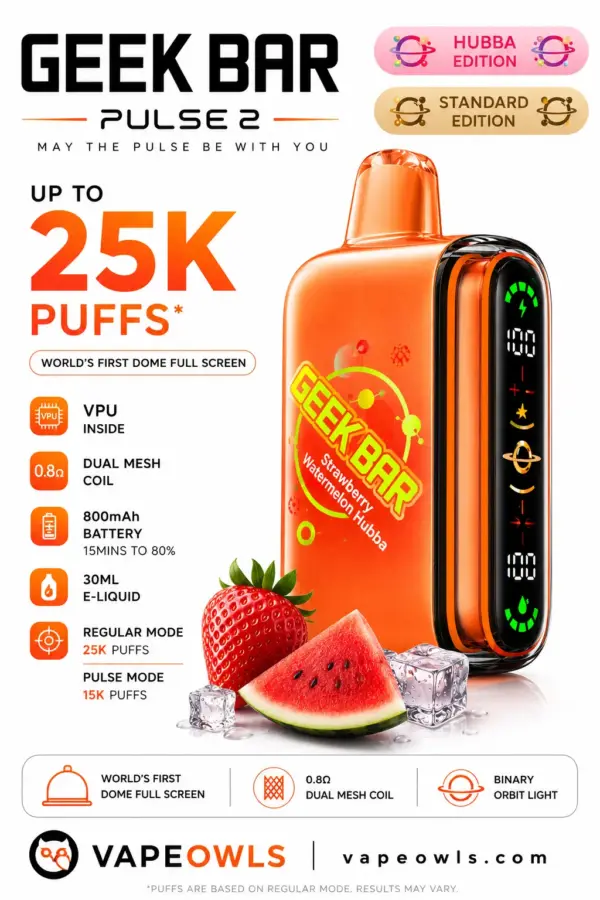
Need a replacement? The Geek Bar CLR 50K is $17.99 at VapeOwls. You can also compare it with the Geek Bar Pulse X 25K or browse all Geek Bar vapes.
Battery size and power modes are from Geek Bar’s CLR product page.
Shop the Geek Bar CLR
Geek Bar CLR troubleshooting questions
Why is my Geek Bar CLR not hitting?
The battery is usually flat. Charge it over USB-C, check the clear tank for e-liquid and make sure the airflow switch is open.
Why is my Geek Bar CLR not charging?
Try a different USB-C cable and USB port, and clear any lint from the charging port. If it still will not charge, the device may be faulty.
What does CLR mean on a Geek Bar?
CLR is short for clear. The device has a see-through body that shows the e-liquid.
Can you refill a Geek Bar CLR?
No. It is a prefilled disposable. Only the battery recharges.
How many puffs does a Geek Bar CLR have?
It is rated for up to 50,000 puffs in Regular mode and up to 25,000 in Pulse mode.
Why does my Geek Bar CLR taste burnt?
The tank may be empty, or Pulse mode may be running too hot for long puffs. Check the tank and switch to Regular mode.
WARNING: This product contains nicotine. Nicotine is an addictive chemical. For adults 21+ only.
Shop this guide
Authentic, ships in 1 business day. Buy 5+ and save up to 10%.
-
Disposable Vapes
Geek Bar CLR 50K Disposable Vape – 50,000 Puffs, 17 mL, 5% Nic
$17.99 Select options This product has multiple variants. The options may be chosen on the product page -
Disposable Vapes
Geek Bar Pulse X2 50K Disposable Vape – 50,000 Puffs, 18 Flavors, USB-C, 21+
$19.99 Select options This product has multiple variants. The options may be chosen on the product page -
Disposable Vapes
Geek Bar Pulse 2 25K Disposable Vape – 25,000 Puffs, Rechargeable USB-C, 5 Flavors, 5% Nic, 21+
$15.99 Select options This product has multiple variants. The options may be chosen on the product page -
Pod Systems
Geek Bar Mate 60K Pod System Vape | Rechargeable 60K Puff Device & Pods
Price range: $13.99 through $19.99 Select options This product has multiple variants. The options may be chosen on the product page