Key facts, checked November 10, 2026. Most Foger Switch Pro problems are a flat 200mAh pod battery, dirty contact pins or an empty 19mL pod. Replacement pods are $14.50 and full kits $16.99 at VapeOwls.
If your Foger Switch Pro is not hitting, the cause is usually one of three things: the pod’s small battery is flat, the contact pins are dirty, or the pod is empty. Work through the 7 fixes below in order. Most take under a minute.
Why a Foger Switch Pro stops hitting
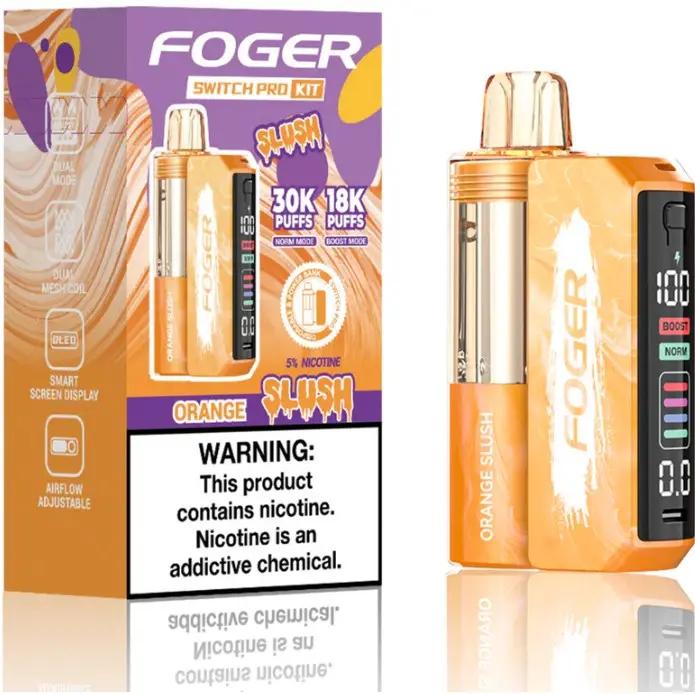
The Foger Switch Pro has two batteries. The base holds 850mAh and the pod holds 200mAh, according to Foger’s pod spec sheet.
The pod fires from its own battery. If the pod has been used off the base, or the base itself is flat, the pod can run out of power even with plenty of e-liquid left.
Foger Switch Pro not hitting: 7 fixes
| Symptom | Likely cause | Fix |
|---|---|---|
| No vapor, screen is off | Base battery is flat | Charge the base over USB-C |
| No vapor, base has charge | Pod battery is flat or pod is not seated | Reseat the pod and leave it on the base for a few minutes |
| Pod not recognized, screen shows “188” | Dirty contact pins | Wipe the pins on the pod and the base with a dry cloth |
| Very tight draw | Airflow is closed | Open the airflow control |
| Weak or burnt taste | Pod is nearly empty or boost mode is too hot | Check the clear tank, switch to normal mode |
| Base will not charge | Cable, port or lint | Try another USB-C cable and port, clear the charging port |
| Nothing works on a new device | Possible defect | Contact the store you bought it from |
1. Charge the base
Plug a USB-C cable into the base and check that the screen shows it charging. A flat base cannot recharge the pod.
2. Reseat the pod
Pull the pod off and click it back on. The magnets should pull it into place. Leave it docked for a few minutes so the pod’s 200mAh battery can top up.
3. Clean the contact pins
Pocket lint and e-liquid film stop the pod and base from connecting. Wipe the metal pins on both parts with a dry cloth or cotton swab.
If the screen shows “188”, the pod is not making contact with the base. Clean the pins and reconnect it.
4. Open the airflow
A fully closed airflow control can feel like the device is blocked. Open it and try a slow, steady puff.
5. Check the e-liquid
The pod tank is clear. If you cannot see e-liquid, the pod is finished. Pods are prefilled and sealed, so replace it with a new Foger Switch Pro pod.
6. Drop out of boost mode
Boost mode runs hotter and uses e-liquid faster. It is rated for up to 18,000 puffs per pod against 30,000 in normal mode. A harsh or burnt taste often clears in normal mode with shorter puffs.
7. Fix a base that will not charge
Swap the USB-C cable, then try a different USB port. Look inside the charging port for lint and clear it gently with a wooden toothpick. Never use metal.
Foger Switch Pro not connecting to the battery
When the pod and base will not pair, the contact pins are the first place to look. Clean both sets of pins, check that nothing is stuck to the magnets, and press the pod down until it clicks.
If one pod works and another does not on the same base, the faulty part is the pod. If no pod works, the base is the problem.
When to stop and replace it
- The base or pod gets hot when you are not using it.
- The case is swollen, cracked or leaking.
- It has been dropped in water.
Stop using a device in any of those cases. For VapeOwls orders, email [email protected] within 7 days of delivery with a short video of the problem and a photo of the packaging SKU.
New to the device? Start with our Foger Switch Pro how-to guide, or see all Foger vapes.
Need a new pod or base
Foger Switch Pro troubleshooting questions
Why is my Foger Switch Pro not hitting?
The most common causes are a flat pod battery, dirty contact pins between the pod and base, a closed airflow control, or an empty pod. Charge the base, reseat the pod and clean the pins first.
Why is my Foger Switch Pro not charging?
Try a different USB-C cable and USB port, and check the charging port on the base for lint. If the screen still does not show charging, the base may be faulty.
Why is my Foger Switch Pro not connecting to the battery?
The metal contact pins on the pod or base are usually dirty or blocked. Wipe both with a dry cloth and press the pod on until the magnets click.
Can I use a Foger Switch Pro pod with a dead base?
Only until the pod battery runs out. The pod has a 200mAh battery of its own, and it needs a charged base to recharge.
Why does my Foger Switch Pro taste burnt?
The pod may be nearly empty, or boost mode may be running too hot for long puffs. Check the tank, switch to normal mode and take shorter puffs.
Can a Foger Switch Pro pod be refilled?
No. Pods are prefilled and sealed. Replace the pod when it is empty.
WARNING: This product contains nicotine. Nicotine is an addictive chemical. For adults 21+ only.
Shop this guide
Authentic, ships in 1 business day. Buy 5+ and save up to 10%.
-
0% Nicotine
Foger Switch Pro 30K Pod 0% Zero Nicotine – Blue Razz Ice
Original price was: $20.99.$14.50Current price is: $14.50. Save $6.49 Add to cart -
Pod Systems
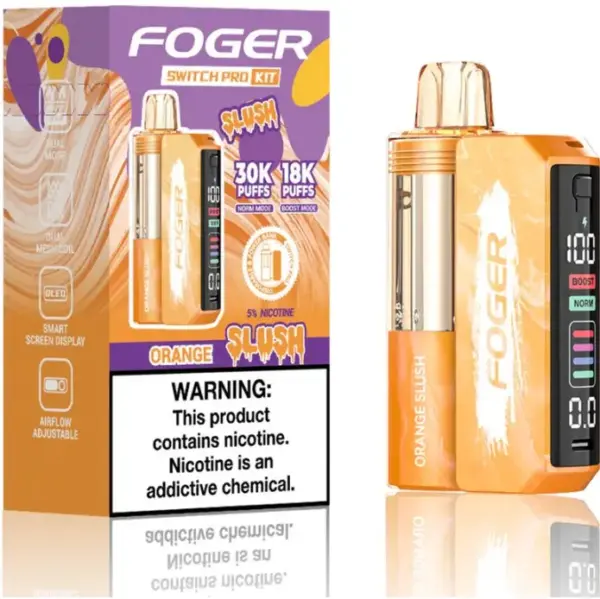
Foger Switch Pro 30K Disposable Vape – Rechargeable Pod System, 30,000 Puffs, 75 Pod Flavors, 5% Nic, 21+
Price range: $14.50 through $16.99 Select options This product has multiple variants. The options may be chosen on the product page -
Disposable Vapes
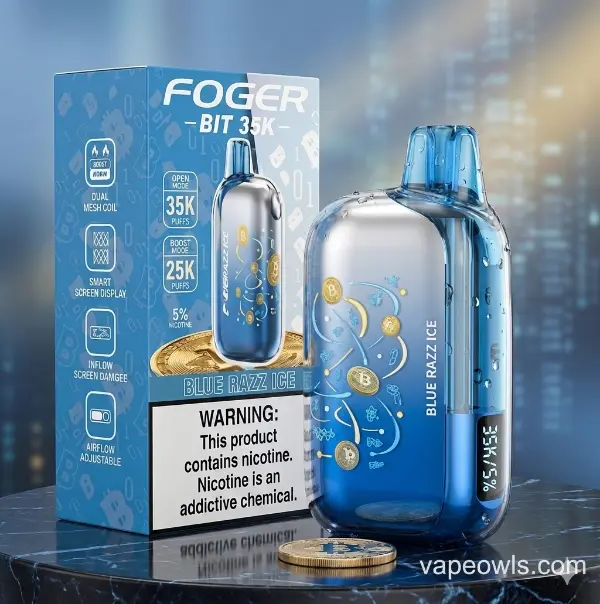
Foger Bit 35K Disposable Vape – 35,000 Puffs, Rechargeable, 21 Flavors, 5% Nic, 21+
$18.99 Select options This product has multiple variants. The options may be chosen on the product page -
Disposable Vapes
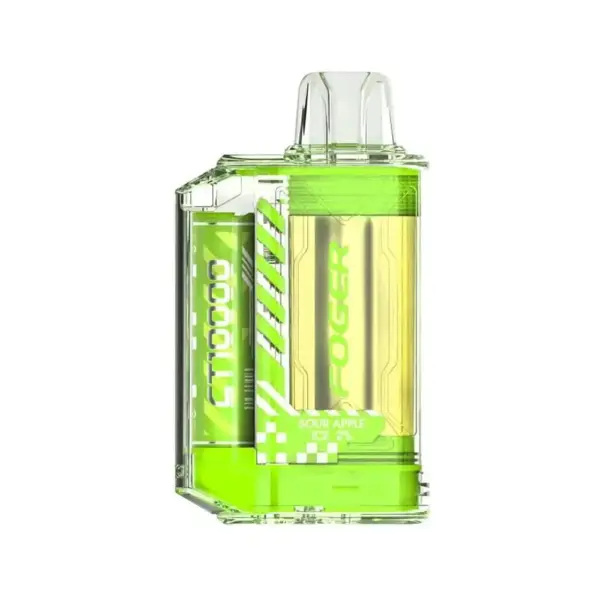
Foger CT10000 Disposable Vape – 10,000 Puffs, 18mL, 5% (Cherry Lemon)
$8.24 Select options This product has multiple variants. The options may be chosen on the product page